Privacy & access


Vaultwarden
Lightweight, self-hosted server compatible with Bitwarden clients. Written in Rust.
Release notes / 1.37.5
Released 2026-11-01. Snapshot from the included release data, not a live check.
## Security Fixes This release contains security fixes for the following advisories. We strongly advise updating as soon as possible. - Website icons [[GHSA-x9cq-f669-vrr4]](https://github.com/dani-garcia/vaultwarden/security/advisories/GHSA-x9cq-f669-vrr4) (**Medium**, 5.3) - Emergency access [[GHSA-9pjj-f9g5-3x4c]](https://github.com/dani-garcia/vaultwarden/security/advisories/GHSA-9pjj-f9g5-3x4c) (**Medium**, 4.3) These are private for now, pending CVE assignment and publishing at a later date. ## Note This update is required for web vault 2026.7.1+ to turn two-step login methods…
Read the full release notes on GitHub ↗Available on these platforms
Requires a self-hosted Vaultwarden server.
Server systems, compatibility details and official sources
Vaultwarden is an independent server with a web vault, not the official Bitwarden mobile/desktop project.
Compatible Bitwarden clients have separate sources/licenses/releases. The project says to report Vaultwarden issues to its own maintainers, not Bitwarden support.
Official availability checked 2026-11-12. Availability is not feature parity. The recorded release and license refer to the linked source project; separate clients can differ. No install or compatibility test was run.
Before you install
Bitwarden apps, a server you can carry.
- What does it run on?
- A single Rust server - far lighter than the official Bitwarden server - that runs comfortably on a small VPS or home server, with the official Bitwarden apps and extensions as clients.
- Where is my data?
- Your vault lives on your server, encrypted the same way the official clients expect. This is a community implementation of the API, not a Bitwarden product.
- What will I maintain?
- Your vault is the crown jewels: HTTPS is effectively required, updates matter, and backups of the database and attachments are non-negotiable.
Advice and funding routes source-checked November 12, 2026. Researched, not an install or restore test. Installation source ↗ · Report a correction
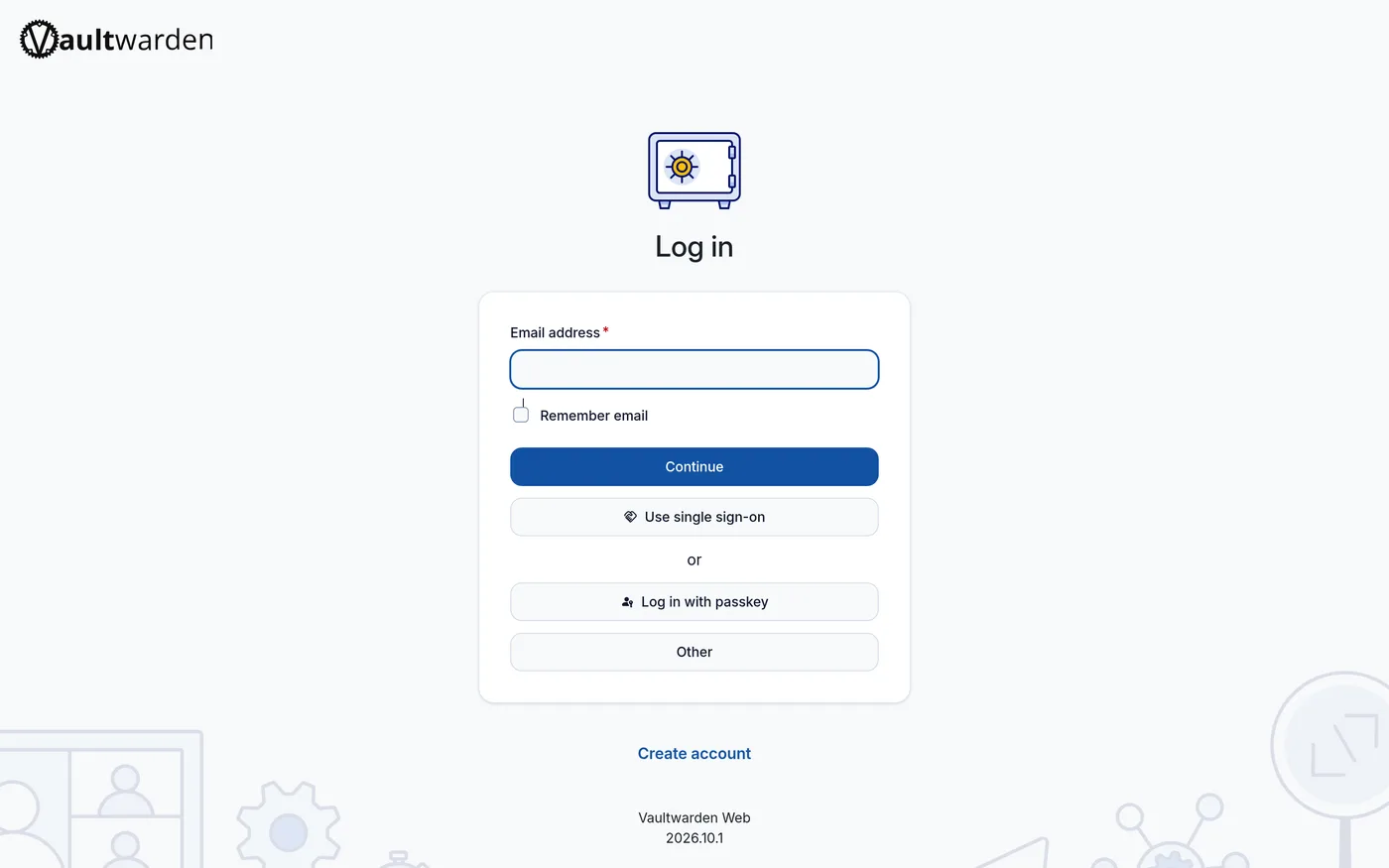
Vaultwarden is a self-hosted password manager server that works with the official Bitwarden apps and browser extensions. Written in Rust, it’s far lighter than the official Bitwarden server and runs comfortably on a small VPS or a home server.
Quick start
Verified against Vaultwarden’s own documentation on November 8, 2026.
Vaultwarden ships as a container image; there is no native Ubuntu package, so on Ubuntu use Docker. The NixOS module is maintained in nixpkgs.
Jump to: Docker Compose · NixOS
Docker Compose
Save this as compose.yaml:
services:
  vaultwarden:
    image: vaultwarden/server:latest
    container_name: vaultwarden
    restart: always
    environment:
      DOMAIN: "https://vault.example.com"
      SIGNUPS_ALLOWED: "true" # set "false" after creating your account
    volumes:
      - ./vw-data:/data
    ports:
      - 8222:80
Then docker compose up -d, open http://localhost:8222 and create your
account; after that, set SIGNUPS_ALLOWED to "false" and recreate the
container. There is no default account; whoever signs up first owns the
first vault. Vault data persists in ./vw-data. Bitwarden clients expect
HTTPS, so put it behind a reverse proxy with TLS for anything beyond
local testing. Works on any host with Docker and the Compose plugin: on Ubuntu Server,
sudo apt install docker.io docker-compose-v2 covers both; on NixOS,
virtualisation.docker.enable = true; enables Docker.
Docker Compose · Lightweight, self-hosted server compatible with Bitwarden clients. Written in Rust. Paste into your AI assistant. It may only be able to guide you. Review changes before running anything.
Researched from the project's documentation. Checked 2026-11-12. No AI account or connection is needed here.
Read or copy the prompt manually
NixOS
services.vaultwarden = {
  enable = true;
  config = {
    DOMAIN = "https://vault.example.com";
    SIGNUPS_ALLOWED = true; # set false after creating your account
  };
};
Then sudo nixos-rebuild switch. Data is stored in SQLite and the
service listens on 127.0.0.1 port 8222, so put a reverse proxy with TLS
in front (Bitwarden clients expect HTTPS). Create your account first,
then set SIGNUPS_ALLOWED to false and rebuild again.
NixOS · Lightweight, self-hosted server compatible with Bitwarden clients. Written in Rust. Paste into your AI assistant. It may only be able to guide you. Review changes before running anything.
Researched from the project's documentation. Checked 2026-11-12. No AI account or connection is needed here.
Read or copy the prompt manually
Why it’s listed
Passwords are the one thing nobody should hand to a third party without thinking. Vaultwarden lets a family or a small team keep their vaults on hardware they control while keeping the polished Bitwarden clients.
Tags: Passwords, Self-hosted, NixOS module
Want help setting this up? Ask FOSSadmin ↗